Free AI Facebook Carousel Generator
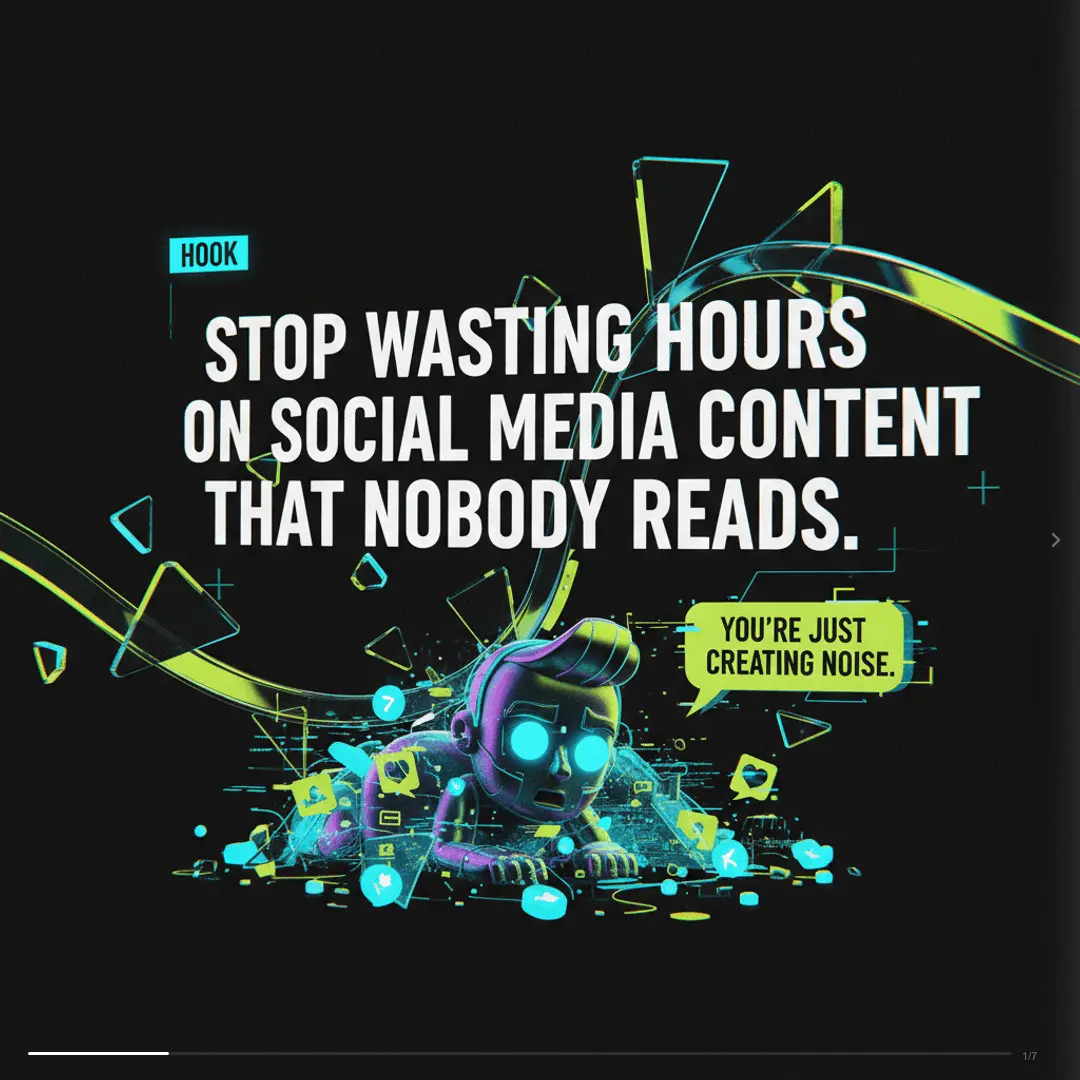
Facebook carousel posts see 72% higher click-through rates compared to single-image posts.. Create yours in 2 minutes with AI.
1080x1080 px (1:1) · Exported as PNG
How It Works
Create Facebook Carousels in 3 Steps
No design skills needed. No templates to hunt through.
Tell SwipeThread your topic
Describe what your Facebook carousel should be about. A product launch, a tip list, a story — anything. SwipeThread's chat-first UX makes brainstorming easy.
AI researches and writes your slides
SwipeThread researches your topic with real sources, writes compelling copy using 21 copywriting frameworks, and generates custom images for every slide.
Export and post to Facebook
Download your carousel as PNG at 1080x1080 px (1:1). Optimized for Facebook — upload directly and start getting engagement.
Features
Why SwipeThread?
Everything you need to create Facebook carousels that perform.
Research-Grounded Content
Not just AI hallucination. SwipeThread researches your topic with real sources so every slide is backed by facts.
AI-Generated Images
Unique, on-brand visuals generated for every slide. No stock photos, no generic templates.
21 Copywriting Frameworks
PAS, Hormozi, Tips, Listicles, and 17 more. Choose a proven structure or let AI pick the best one for your topic.
Brand System
Set your colors, fonts, and tone once. Every carousel matches your brand identity automatically.
Facebook Tips
How to Create High-Performing Facebook Carousels
SwipeThread generates both the visual slides AND the caption copy — one workflow for a complete Facebook post
Best Practices
- 1First image needs a hook — a question or bold statement that stops the scroll
- 23-5 slides works best for organic Facebook carousels
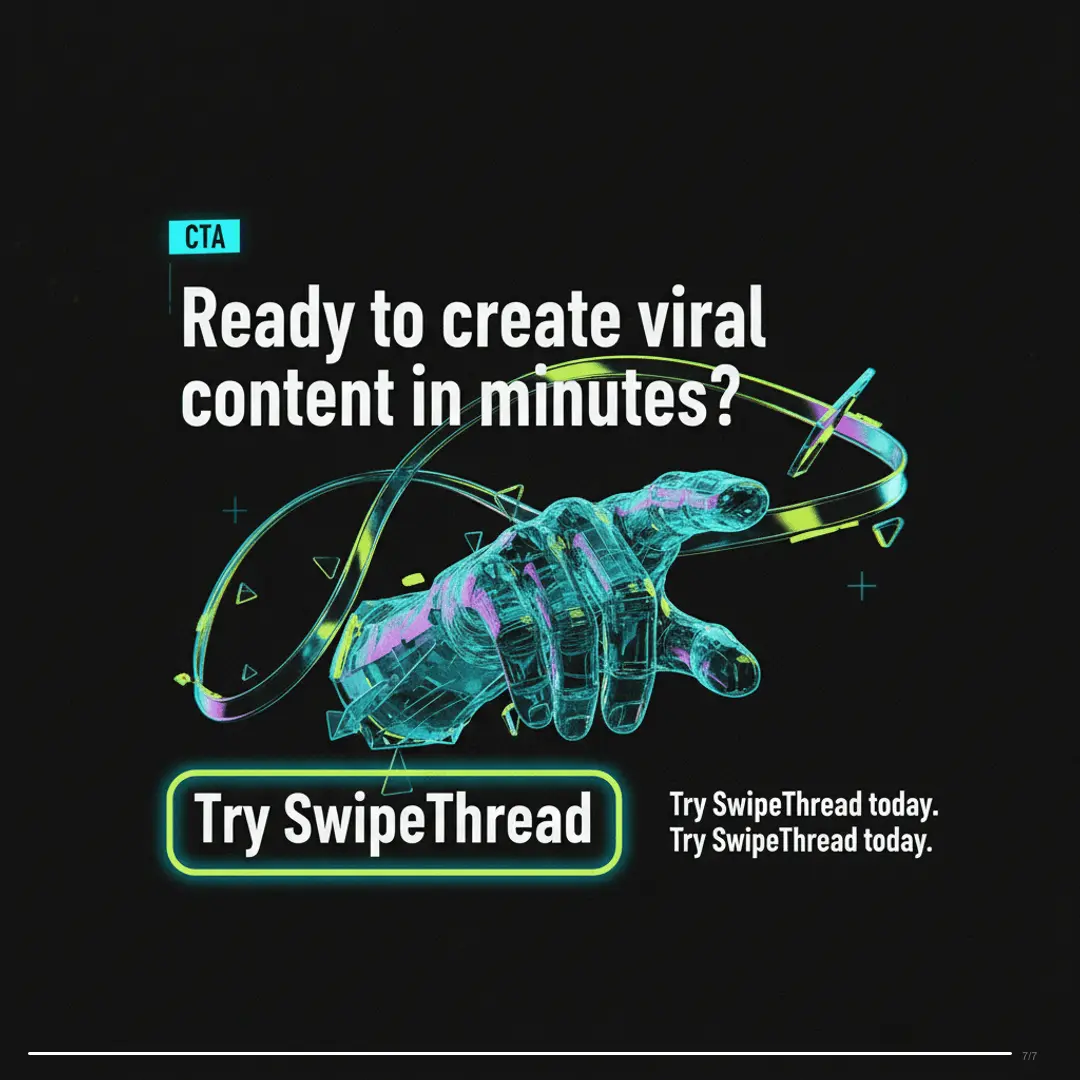
- 3Add a clear call-to-action on the last slide
- 4Use emojis in text for visual breaks and personality
- 5Each slide should make sense on its own if shared individually
- 6Include faces and people when possible — they increase engagement
Posting Tips
- Native uploads always outperform external links in the algorithm
- Post in relevant Facebook groups for organic reach beyond your page
- Best times are Wednesday through Friday, 1-4pm
- Encourage comments with open-ended questions in your caption
- Share carousels to your Story for double exposure
72%
Facebook carousel posts see 72% higher click-through rates compared to single-image posts
Facebook Carousel Dimensions
Width
1080px
Height
1080px
Ratio
1:1
Export
PNG
1:1 square format for Facebook feed carousels
FAQ
Frequently Asked Questions
Everything you need to know about creating Facebook carousels with SwipeThread.
Is SwipeThread free?
Yes — you get 15 free credits when you sign up. Each carousel costs 1 credit to generate.
What dimensions does SwipeThread use for Facebook carousels?
Facebook carousels are exported as 1080x1080 px (1:1 square) images, which is the standard format for Facebook feed carousel posts.
Can I customize the design?
Yes — brand guides let you set colors, fonts, and tone. Every post matches your brand identity.
Can I use carousels in Facebook Groups?
Yes — Facebook carousel posts work in groups, pages, and personal profiles. They're especially effective in groups where organic reach is higher.
How is this different from Canva?
SwipeThread writes the copy, generates images, and formats the carousel in one chat-based flow. No templates to hunt through, no manual design work.
Can I use the same carousel on other platforms?
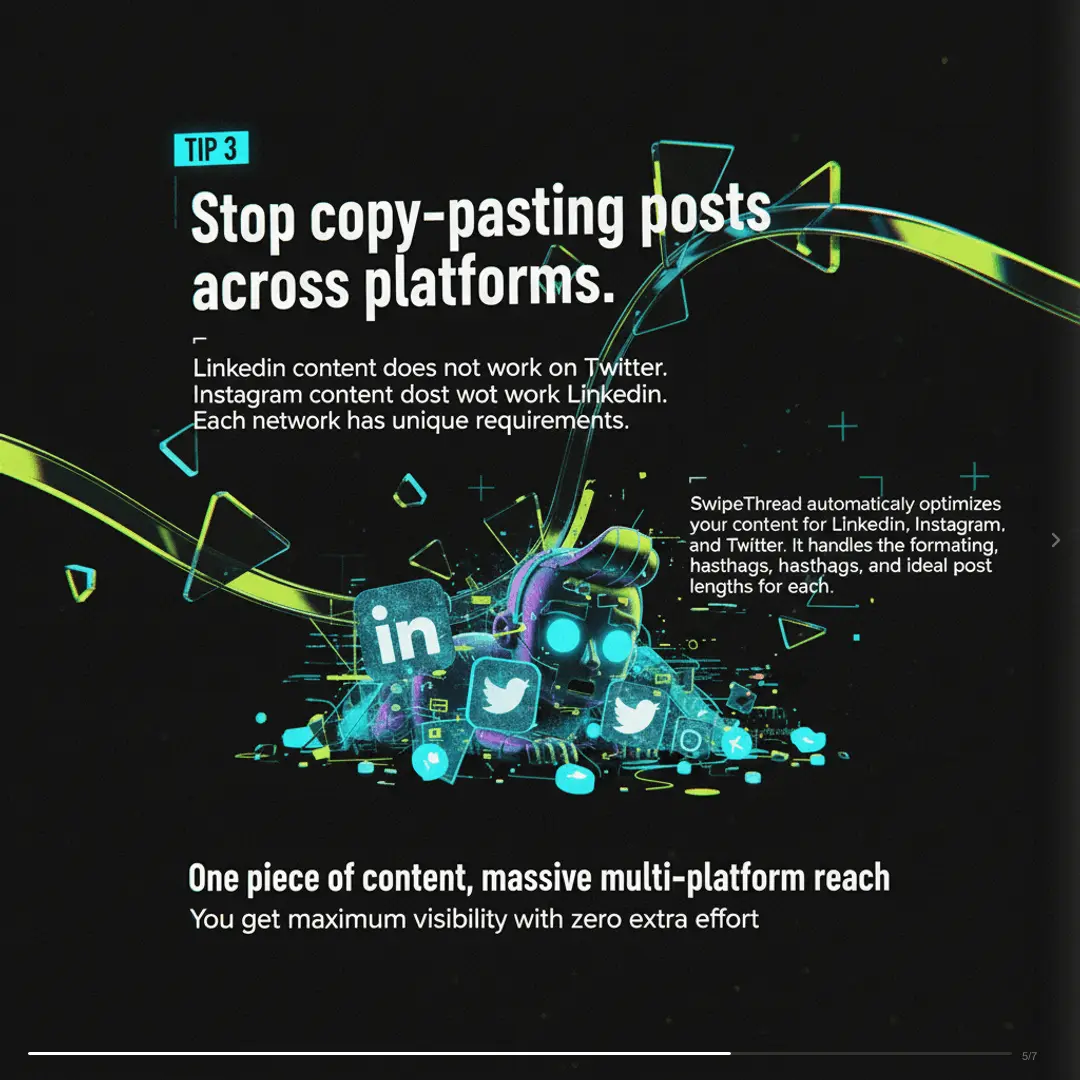
Yes — generate for Facebook, then clone for LinkedIn, Instagram, and more with adjusted formatting.
Also Available For
One carousel, every platform. SwipeThread adapts dimensions and formatting automatically.
Create Your First Facebook Carousel
Free to start — 15 credits on signup. No credit card required.
Join creators and marketers already using SwipeThread