PDF to Carousel
Turn Any PDF Into a Carousel
of B2B content sits in PDFs that never get shared on social. Create yours in 2 minutes with AI.
1080x1080 px (1:1) · Exported as PNG, PDF, ZIP
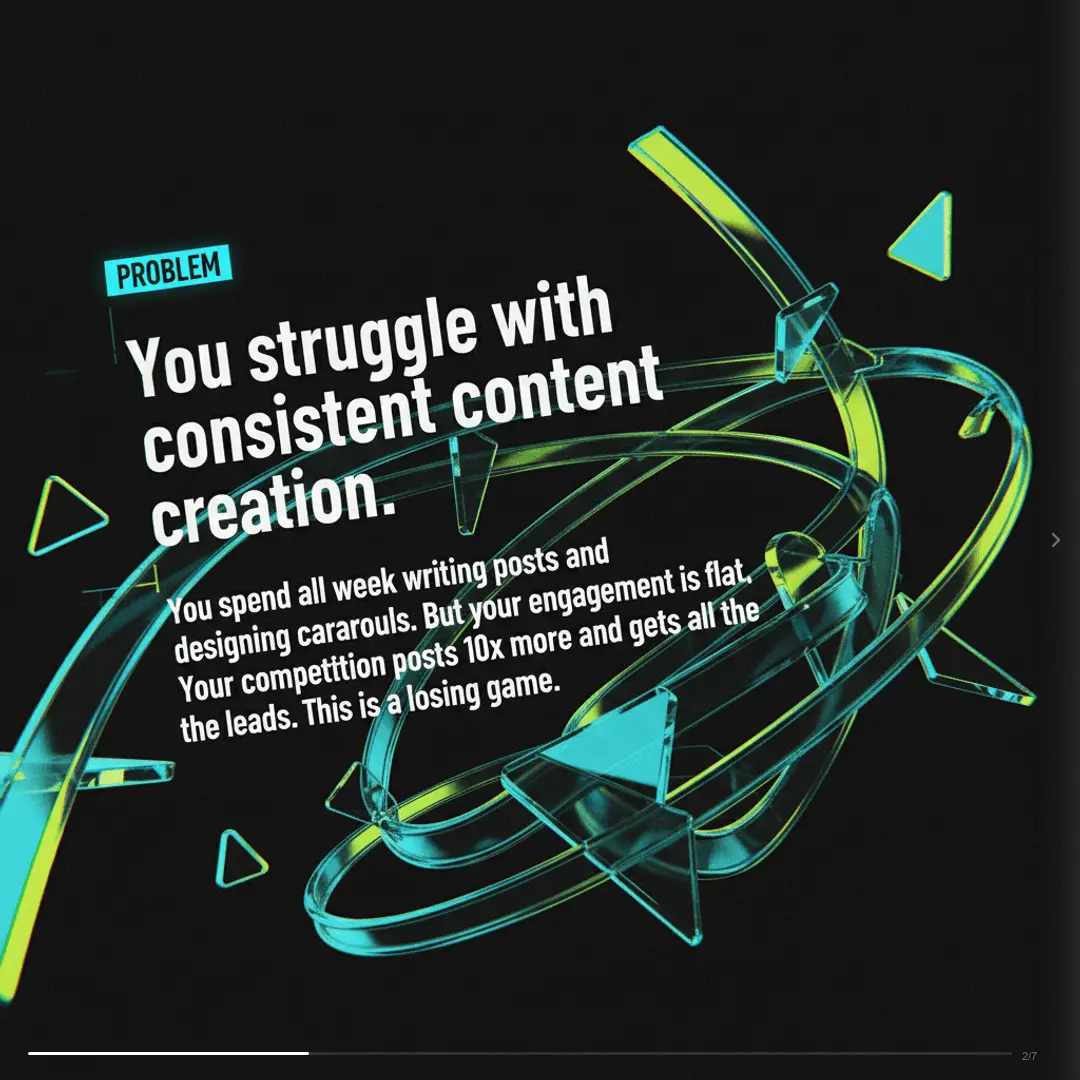

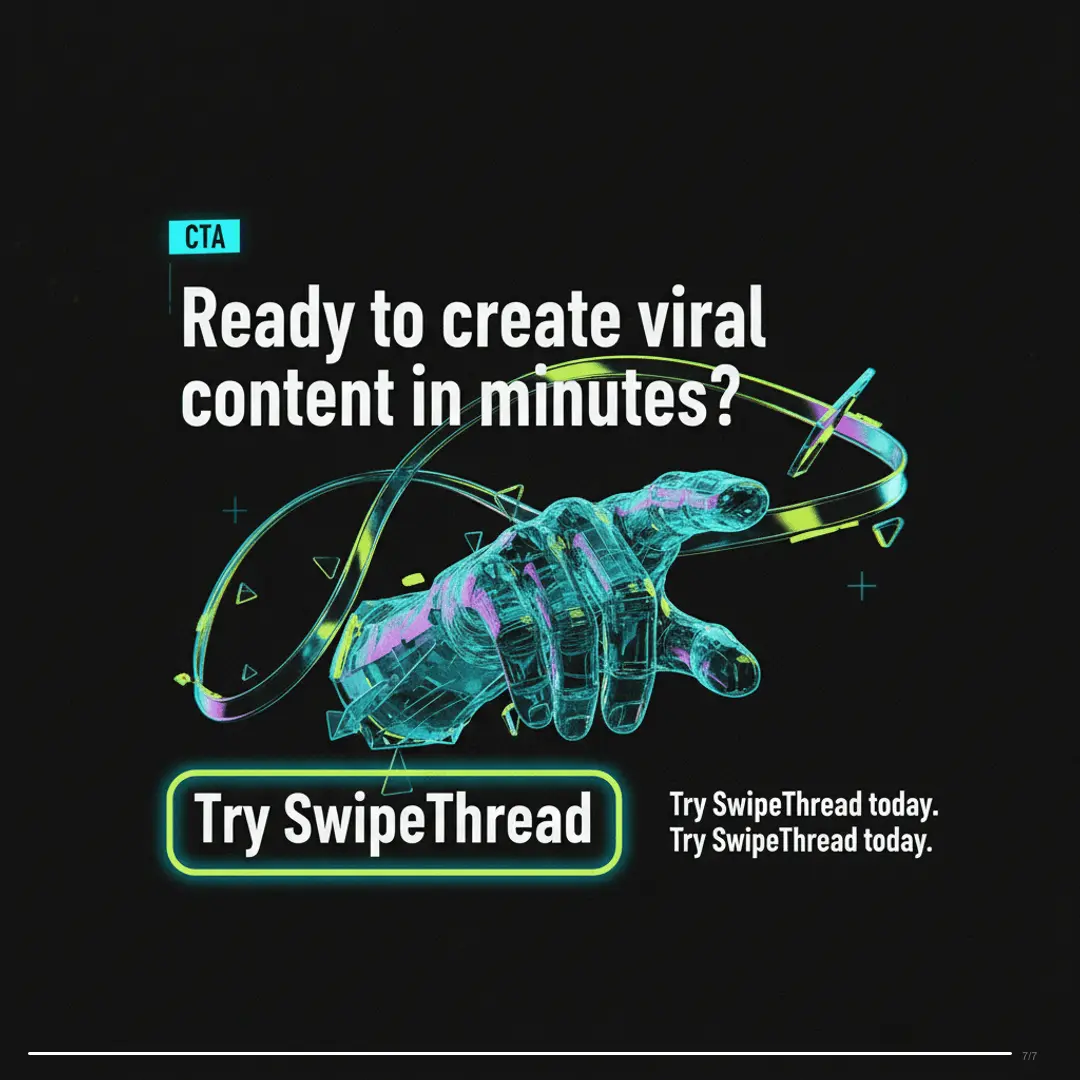
How It Works
Create PDF to Carousel Carousels in 3 Steps
No design skills needed. No templates to hunt through.
Tell SwipeThread your topic
Describe what your PDF to Carousel carousel should be about. A product launch, a tip list, a story — anything. SwipeThread's chat-first UX makes brainstorming easy.
AI researches and writes your slides
SwipeThread researches your topic with real sources, writes compelling copy using 21 copywriting frameworks, and generates custom images for every slide.
Export and post to PDF to Carousel
Download your carousel as PNG, PDF, ZIP at 1080x1080 px (1:1). Optimized for PDF to Carousel — upload directly and start getting engagement.
Features
Why SwipeThread?
Everything you need to create PDF to Carousel carousels that perform.
Research-Grounded Content
Not just AI hallucination. SwipeThread researches your topic with real sources so every slide is backed by facts.
AI-Generated Images
Unique, on-brand visuals generated for every slide. No stock photos, no generic templates.
21 Copywriting Frameworks
PAS, Hormozi, Tips, Listicles, and 17 more. Choose a proven structure or let AI pick the best one for your topic.
Brand System
Set your colors, fonts, and tone once. Every carousel matches your brand identity automatically.
PDF to Carousel Tips
How to Create High-Performing PDF to Carousel Carousels
SwipeThread extracts text from your PDF, identifies the most compelling data points and quotes, and structures them into visual carousel slides — not just screenshots of your document.
Best Practices
- 1Use reports and whitepapers — data-heavy content makes great carousels
- 2Let AI pick the most shareable stats and insights from your document
- 3Add your brand colors to match your company's visual identity
- 4Create multiple carousels from different sections of the same PDF
Posting Tips
- Turn quarterly reports into LinkedIn carousels for stakeholder visibility
- Convert conference slides into Instagram-ready content
- Repurpose case studies as customer success carousels
- Transform ebooks into bite-sized carousel series
82%
PDF-sourced carousels get 5.3x more engagement than PDF link shares
PDF to Carousel Carousel Dimensions
Width
1080px
Height
1080px
Ratio
1:1
Export
PNG, PDF, ZIP
Extracts text from uploaded PDF files
FAQ
Frequently Asked Questions
Everything you need to know about creating PDF to Carousel carousels with SwipeThread.
What types of PDFs work?
Any text-based PDF — reports, whitepapers, presentations, ebooks, case studies, one-pagers. Scanned image-only PDFs aren't supported yet.
Does it just screenshot my PDF pages?
No. SwipeThread extracts the text, identifies the most engaging points, and creates new visual slides with AI-generated designs. It's a complete transformation, not a screenshot.
How large can the PDF be?
Up to 10MB. For longer documents, SwipeThread focuses on the most impactful sections. You can also paste specific text from your PDF instead.
Can I pick which sections to turn into a carousel?
Yes — paste the specific section text instead of uploading the full PDF, or guide the AI by describing which part of the document to focus on.
Also Available For
One carousel, every platform. SwipeThread adapts dimensions and formatting automatically.
Upload a PDF — Create a Carousel Free
Free to start — 15 credits on signup. No credit card required.
Join creators and marketers already using SwipeThread