Article to Carousel
Turn Any Article Into a Carousel
68% of marketers say repurposing blog content into social is their #1 growth tactic. Create yours in 2 minutes with AI.
How It Works
Create Article to Carousel Carousels in 3 Steps
No design skills needed. No templates to hunt through.
Tell SwipeThread your topic
AI researches and writes your slides
Export and post to Article to Carousel
Features
Why SwipeThread?
Everything you need to create Article to Carousel carousels that perform.
Research-Grounded Content
Not just AI hallucination. SwipeThread researches your topic with real sources so every slide is backed by facts.
Typeset In Your Brand
Four looks to draw the deck in, each one taking its colours and fonts from your brand kit. No stock photos, no canvas to arrange.
11 Copywriting Frameworks
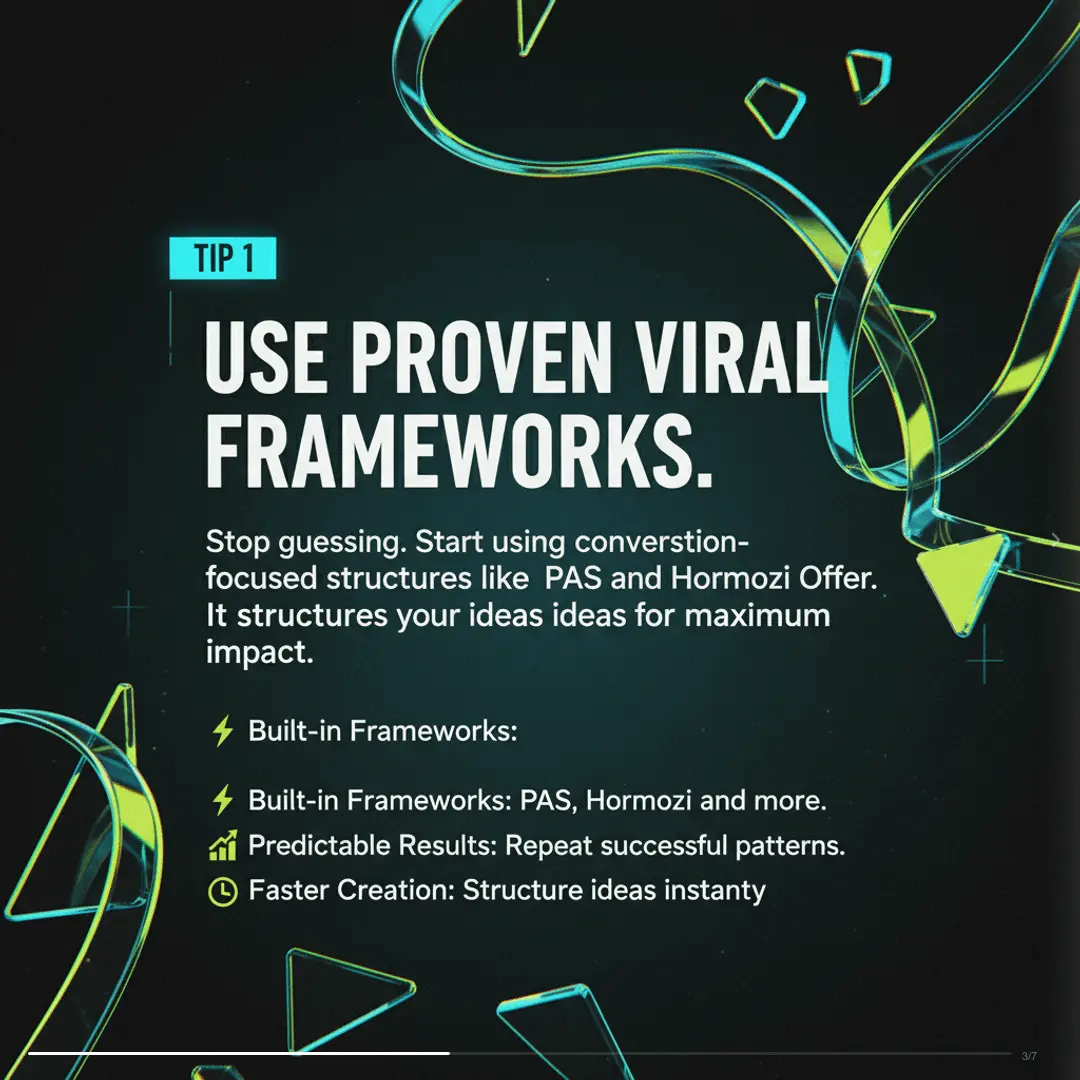
PAS, Hormozi, Tips, Listicles, and 7 more. Choose a proven structure or let AI pick the best one for your topic.
Brand System
Set your colors, fonts, and tone once. Every carousel matches your brand identity automatically.
Article to Carousel Tips
How to Create High-Performing Article to Carousel Carousels
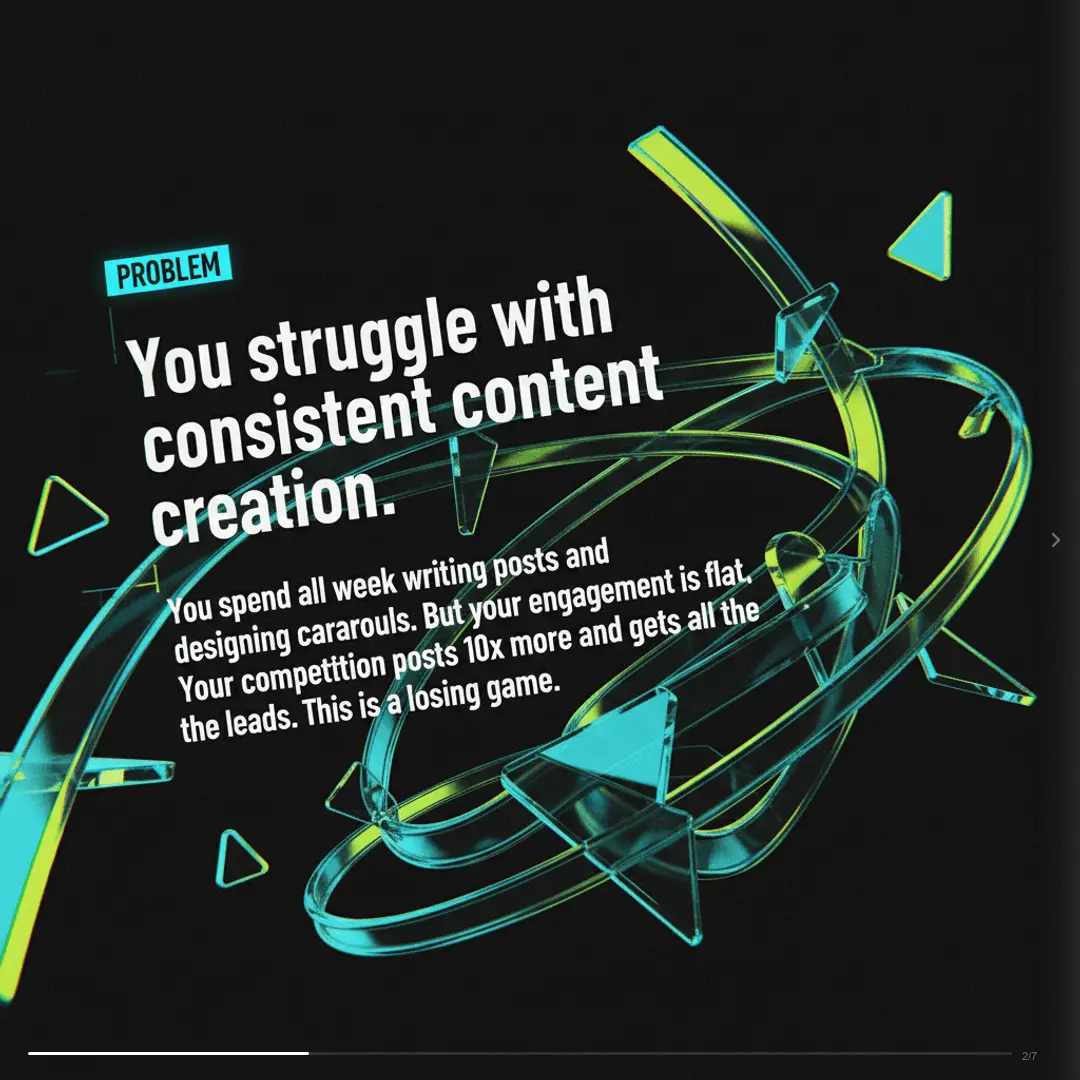
SwipeThread doesn't just extract quotes. It reads the full article, identifies the most engaging points, restructures them into a proven carousel framework, and generates matching visuals.
Best Practices
- Pick articles with clear takeaways (listicles and how-tos convert best)
- Let AI extract the key points. Don't try to fit the whole article
- Add your brand kit for instant visual consistency across carousels
- Include a CTA slide linking back to the full article
Posting Tips
- Every blog post is 3-5 carousels waiting to happen
- Post the carousel on LinkedIn with a teaser, link to full article in comments
- Use different frameworks (PAS, Listicle, Myth vs Reality) for the same article
- Batch-convert your top 10 articles into carousels in one session
68%
Blog-to-carousel repurposing drives 4.1x more social traffic than link-only posts
Article to Carousel Carousel Dimensions
Width
1080px
Height
1080px
Ratio
1:1
Export
PNG, PDF, ZIP
FAQ
Frequently Asked Questions
Everything you need to know about creating Article to Carousel carousels with SwipeThread.
Can I paste a URL?
Yes, paste any article URL and SwipeThread reads the content, extracts key points, and generates a carousel. You can also paste the text directly.
How many carousels can I make from one article?
Multiple. Use different copywriting frameworks (PAS, Listicle, Transformation Story) to create 3-5 unique carousels from the same article, each with a different angle.
Does it work with paywalled content?
For paywalled URLs, paste the article text directly. SwipeThread works with any text input.
Can I link back to the original article?
Yes, add a CTA slide with the article URL. SwipeThread also generates suggested captions with link references.
Also Available For
One carousel, every platform. SwipeThread adapts dimensions and formatting automatically.
Already Have the Words?
Start from a thread, an article, or a PDF and get Article to Carousel slides out the other end.
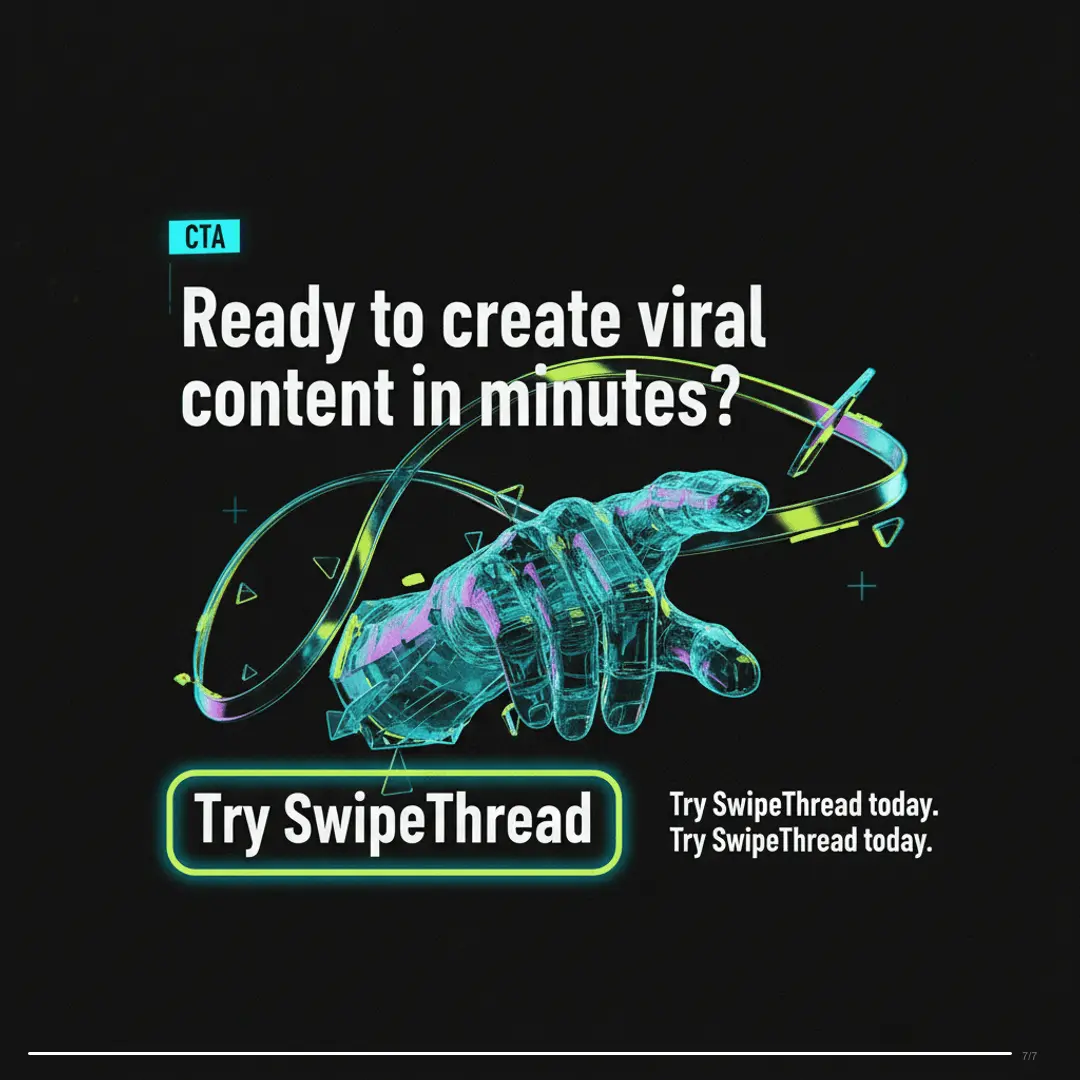
Convert Your First Article (Free)
3 carousels a day, free. No credit card required.