X
Free AI X Thread Carousel Generator
Threads with visual carousels get 2-3x more saves and retweets than text-only threads. Create yours in 2 minutes with AI.


Watch It Run
X carousel, start to export
A narrated run through the product, cut to 44 seconds. It closes on a mockup of the finished post.
Read the transcript
How It Works
Create X Carousels in 3 Steps
No design skills needed. No templates to hunt through.
Tell SwipeThread your topic
AI researches and writes your slides
Export and post to X
Features
Why SwipeThread?
Everything you need to create X carousels that perform.
Research-Grounded Content
Not just AI hallucination. SwipeThread researches your topic with real sources so every slide is backed by facts.
Typeset In Your Brand
Four looks to draw the deck in, each one taking its colours and fonts from your brand kit. No stock photos, no canvas to arrange.
11 Copywriting Frameworks
PAS, Hormozi, Tips, Listicles, and 7 more. Choose a proven structure or let AI pick the best one for your topic.
Brand System
Set your colors, fonts, and tone once. Every carousel matches your brand identity automatically.
X Tips
How to Create High-Performing X Carousels
Write once, get both a tweetable thread AND a visual carousel for maximum reach
Best Practices
- Each slide must stand alone as a screenshot (people will share individual slides)
- Bold opening hooks that make people stop scrolling
- Under 50 words per slide for maximum readability
- Punchy writing at a 5th-grade reading level: short sentences, simple words
- Use contrast and large text (Twitter's timeline is fast-moving)
- Number your slides (1/7, 2/7) so readers know the length
Posting Tips
- Post threads during peak hours (9-11am EST weekdays)
- Quote-tweet your own thread with the carousel images for double exposure
- Pin the thread to your profile for new visitors
- Engage with replies in the first 30 minutes to boost algorithmic reach
- Add a 'follow for more' CTA on the last slide
2-3x
Threads with visual carousels get 2-3x more saves and retweets than text-only threads
X Carousel Dimensions
Width
1600px
Height
900px
Ratio
16:9
Export
PNG
FAQ
Frequently Asked Questions
Everything you need to know about creating X carousels with SwipeThread.
Is SwipeThread free?
Yes. You get 3 carousels a day free, with no credit card, and the allowance resets every morning.
What dimensions does SwipeThread use for Twitter/X carousels?
Twitter/X carousels are exported as 1600x900 px (16:9 landscape) images for optimal timeline display. We also support 1:1 square format.
Do the slides actually look like tweets?
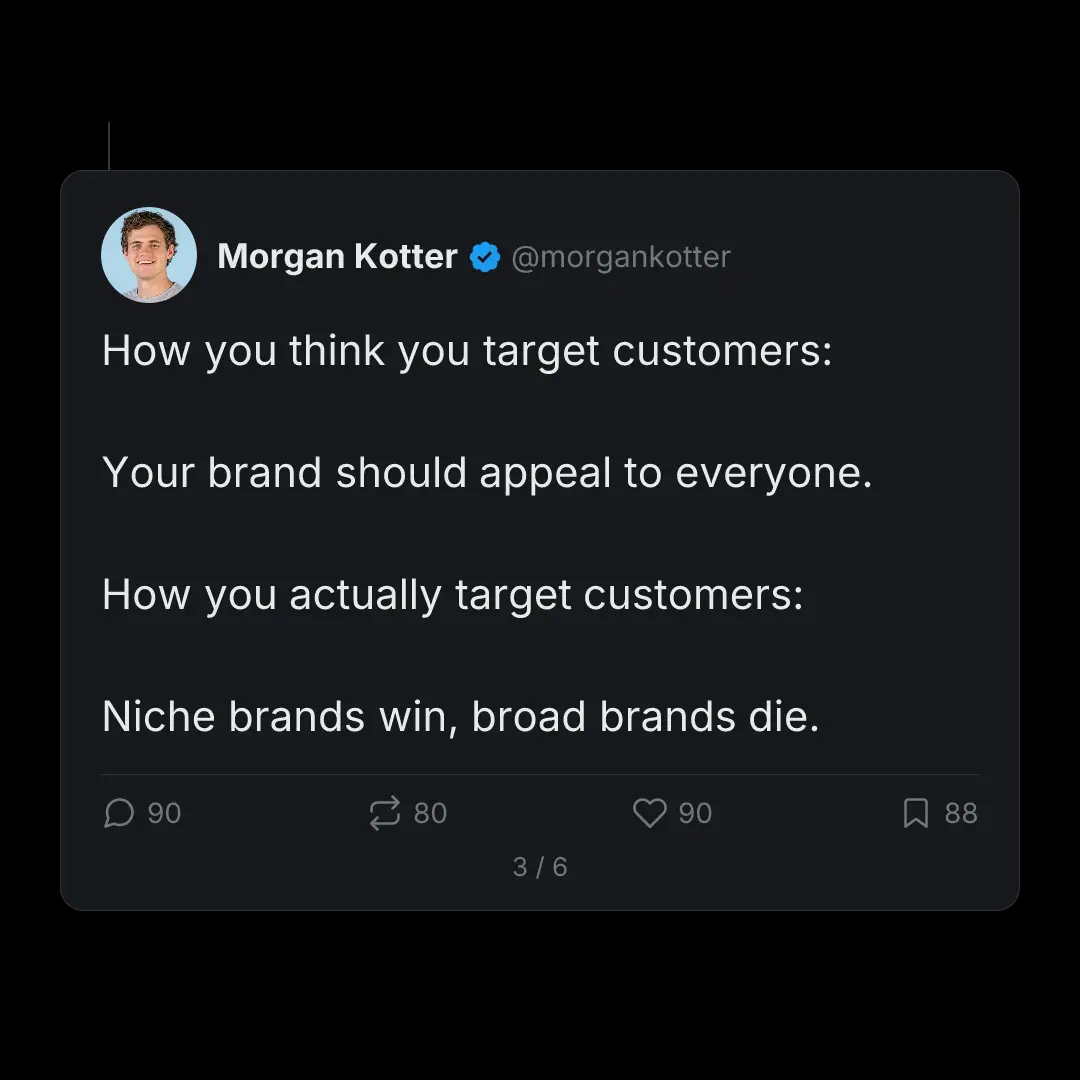
Yes. The X Thread style renders each slide as a tweet: avatar, handle, verified check, and the reply, repost, like, and bookmark row along the bottom. It is the format that reads as native when the carousel is posted somewhere other than X.
Can I turn a Twitter thread into a carousel?
Paste the thread and each post becomes its own slide, in order, with the hook on slide one. You can also start from a topic and let SwipeThread research and write the thread first.
Can I post the same thread to LinkedIn as a carousel?
Yes, and it is the reason most people build a tweet-styled deck in the first place. The same slides re-export as a 1080x1080 PDF, which is what LinkedIn wants for a native document post, so one round of research covers both timelines.
Does SwipeThread write the thread text too?
It returns both: the slide images and the post copy to go with them. One input, two outputs, so you are not writing the caption separately after the deck is done.
Also Available For
One carousel, every platform. SwipeThread adapts dimensions and formatting automatically.
Already Have the Words?
Start from a thread, an article, or a PDF and get X slides out the other end.
Create Your First Twitter/X Carousel
3 carousels a day, free. No credit card required.