Free Instagram Carousel Maker
Instagram carousels achieve up to 10.15% engagement rate vs 0.70% for single images. Create yours in 2 minutes with AI.
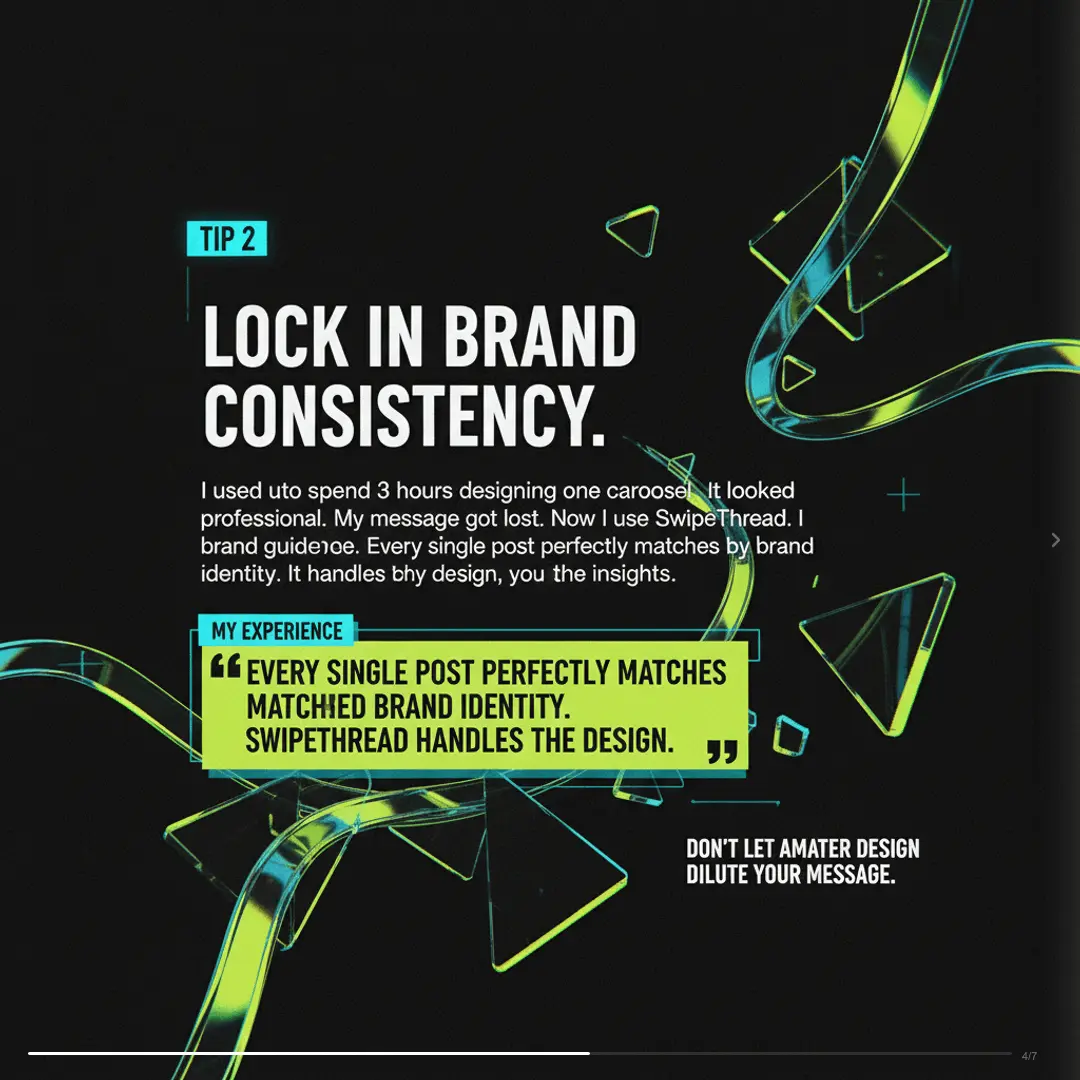

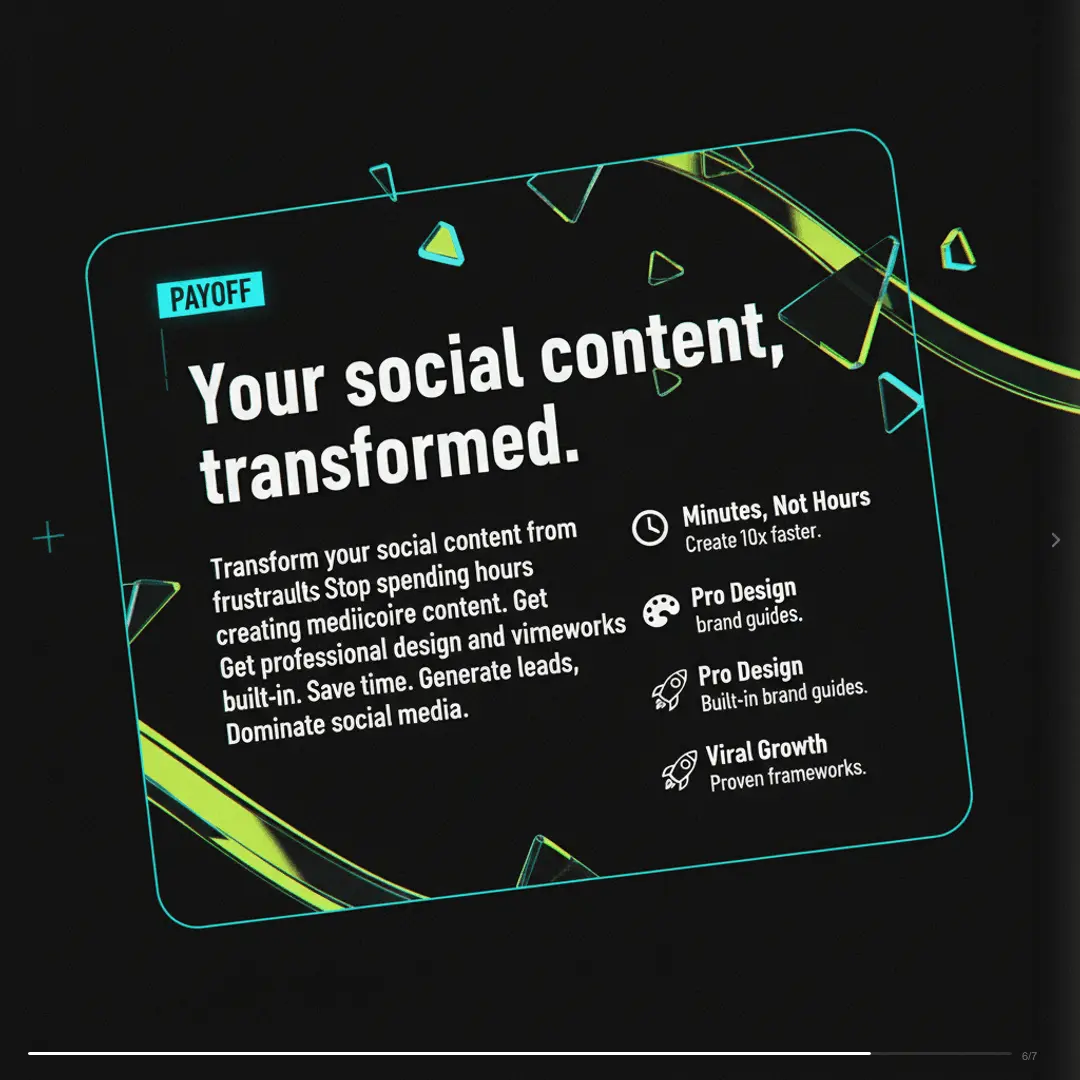
Watch It Run
Instagram carousel, start to export
A narrated run through the product, cut to 51 seconds. It closes on a mockup of the finished post.
Read the transcript
How It Works
Create Instagram Carousels in 3 Steps
No design skills needed. No templates to hunt through.
Tell SwipeThread your topic
AI researches and writes your slides
Export and post to Instagram
Features
Why SwipeThread?
Everything you need to create Instagram carousels that perform.
Research-Grounded Content
Not just AI hallucination. SwipeThread researches your topic with real sources so every slide is backed by facts.
Typeset In Your Brand
Four looks to draw the deck in, each one taking its colours and fonts from your brand kit. No stock photos, no canvas to arrange.
11 Copywriting Frameworks
PAS, Hormozi, Tips, Listicles, and 7 more. Choose a proven structure or let AI pick the best one for your topic.
Brand System
Set your colors, fonts, and tone once. Every carousel matches your brand identity automatically.
Instagram Tips
How to Create High-Performing Instagram Carousels
Most Instagram carousel makers give you a template and a font picker. SwipeThread writes the copy, typesets every slide from your brand kit, and exports at 4:5
Best Practices
- First slide is the hook: treat it like a thumbnail that must stop the scroll
- 5-10 slides is the sweet spot for Instagram carousels
- Mix text and image slides to keep visual variety
- Last slide should be a CTA with a clear action (save, share, comment, or link in bio)
- Use consistent visual style: colors, fonts, and layout across all slides
- Add your handle or logo subtly on each slide for discoverability
Posting Tips
- Use 20-30 hashtags in the first comment (not the caption)
- Post Reels + carousels for maximum reach across both algorithms
- Add location tags for local discoverability
- Write captions that complement (not repeat) slide content
- Encourage saves and shares (Instagram's algorithm rewards both heavily)
10.15%
Instagram carousels achieve up to 10.15% engagement rate vs 0.70% for single images
Instagram Carousel Dimensions
Width
1080px
Height
1350px
Ratio
4:5
Export
PNG
FAQ
Frequently Asked Questions
Everything you need to know about creating Instagram carousels with SwipeThread.
Is SwipeThread free?
Yes. You get 3 carousels a day free, with no credit card, and the allowance resets every morning.
What dimensions does SwipeThread use for Instagram carousels?
Instagram carousels are exported as 1080x1350 px (4:5 portrait) images, which is the optimal format for Instagram feed posts. We also support 1080x1920 (9:16) for Stories.
Will my carousels look consistent across the grid?
Set a brand guide once with your colors, fonts, and tone, and every carousel after that comes out in the same visual language. That matters on Instagram more than anywhere else, because the profile grid shows your posts side by side.
Does it write the caption and hashtags too?
You get the slides and the caption together. The caption is written to add context the slides do not already carry, rather than repeating slide one back to the reader.
Can I resize an Instagram carousel for Stories or Reels?
Yes. The same deck re-exports at 1080x1920 for the 9:16 vertical formats, and at 1080x1080 as a PDF if you want to put it on LinkedIn as a document post.
How many slides should an Instagram carousel have?
Instagram supports up to 20 slides per carousel, but 5-10 slides is the sweet spot for engagement. Shorter carousels (5-7) work well for tips, while longer ones (8-10) are great for tutorials.
Also Available For
One carousel, every platform. SwipeThread adapts dimensions and formatting automatically.
Already Have the Words?
Start from a thread, an article, or a PDF and get Instagram slides out the other end.
Create Your First Instagram Carousel
3 carousels a day, free. No credit card required.