Tweet to Carousel
Convert Any Tweet or Thread Into a Carousel
41% of top-performing LinkedIn carousels are repurposed from tweet threads. Create yours in 2 minutes with AI.


Watch It Run
Tweet to Carousel carousel, start to export
A narrated run through the product, cut to 20 seconds. It closes on a mockup of the finished post.
Read the transcript
How It Works
Create Tweet to Carousel Carousels in 3 Steps
No design skills needed. No templates to hunt through.
Tell SwipeThread your topic
AI researches and writes your slides
Export and post to Tweet to Carousel
Features
Why SwipeThread?
Everything you need to create Tweet to Carousel carousels that perform.
Research-Grounded Content
Not just AI hallucination. SwipeThread researches your topic with real sources so every slide is backed by facts.
Typeset In Your Brand
Four looks to draw the deck in, each one taking its colours and fonts from your brand kit. No stock photos, no canvas to arrange.
11 Copywriting Frameworks
PAS, Hormozi, Tips, Listicles, and 7 more. Choose a proven structure or let AI pick the best one for your topic.
Brand System
Set your colors, fonts, and tone once. Every carousel matches your brand identity automatically.
Tweet to Carousel Tips
How to Create High-Performing Tweet to Carousel Carousels
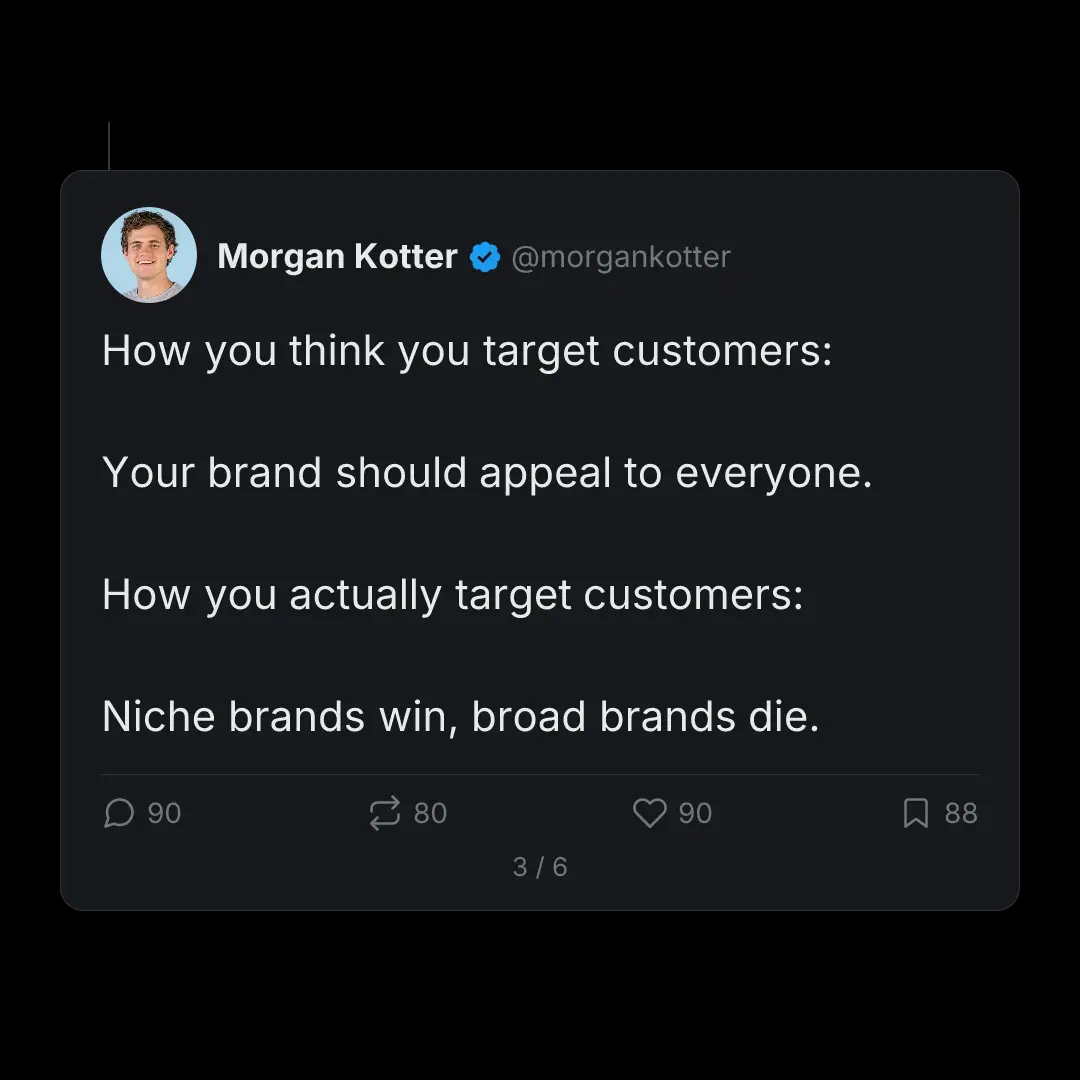
SwipeThread's X thread style creates carousels that look like native tweet screenshots: profile pic, handle, verified badge, engagement stats, all customizable.
Best Practices
- Paste the link rather than the text, so the whole thread comes with it
- Pick threads that already performed well (proven content converts better)
- Use X thread style for authentic tweet-screenshot carousels
- Cards carry the original author's name by default; switch the byline to yours if you wrote it
- Or use designed style to fully rebrand the content visually
Posting Tips
- Your best tweets deserve a second life on LinkedIn and Instagram
- Thread-to-carousel repurposing doubles your content output with zero extra writing
- Post the carousel 2-3 days after the original thread for maximum reach
- Tag the original thread in your carousel caption for cross-platform traffic
41%
Repurposed thread carousels get 3.2x more impressions than the original tweet
Tweet to Carousel Carousel Dimensions
Width
1080px
Height
1350px
Ratio
4:5
Export
PNG, PDF, ZIP
FAQ
Frequently Asked Questions
Everything you need to know about creating Tweet to Carousel carousels with SwipeThread.
Can I paste a tweet URL?
You can paste the tweet text directly into the chat. SwipeThread structures it into slides, adds your profile info, and renders it in the X thread visual style.
Does it look like a real tweet?
Yes. The X thread style renders your avatar, display name, handle, verified badge, and engagement stats. It looks like a native tweet screenshot but is fully customizable.
Can I use it on platforms other than X?
That's the whole point. The X thread style creates visual carousels you can post on LinkedIn, Instagram, TikTok, Pinterest, anywhere that supports image carousels.
Can I customize the engagement stats?
Yes, edit the reply count, repost count, likes, and bookmarks. Apply stats across all slides in one click.
Also Available For
One carousel, every platform. SwipeThread adapts dimensions and formatting automatically.
Already Have the Words?
Start from a thread, an article, or a PDF and get Tweet to Carousel slides out the other end.
Convert Your Best Tweets (Free)
3 carousels a day, free. No credit card required.