Free LinkedIn Carousel Generator
LinkedIn carousels generate up to 3.7x more engagement than text-only posts. Create yours in 2 minutes with AI.

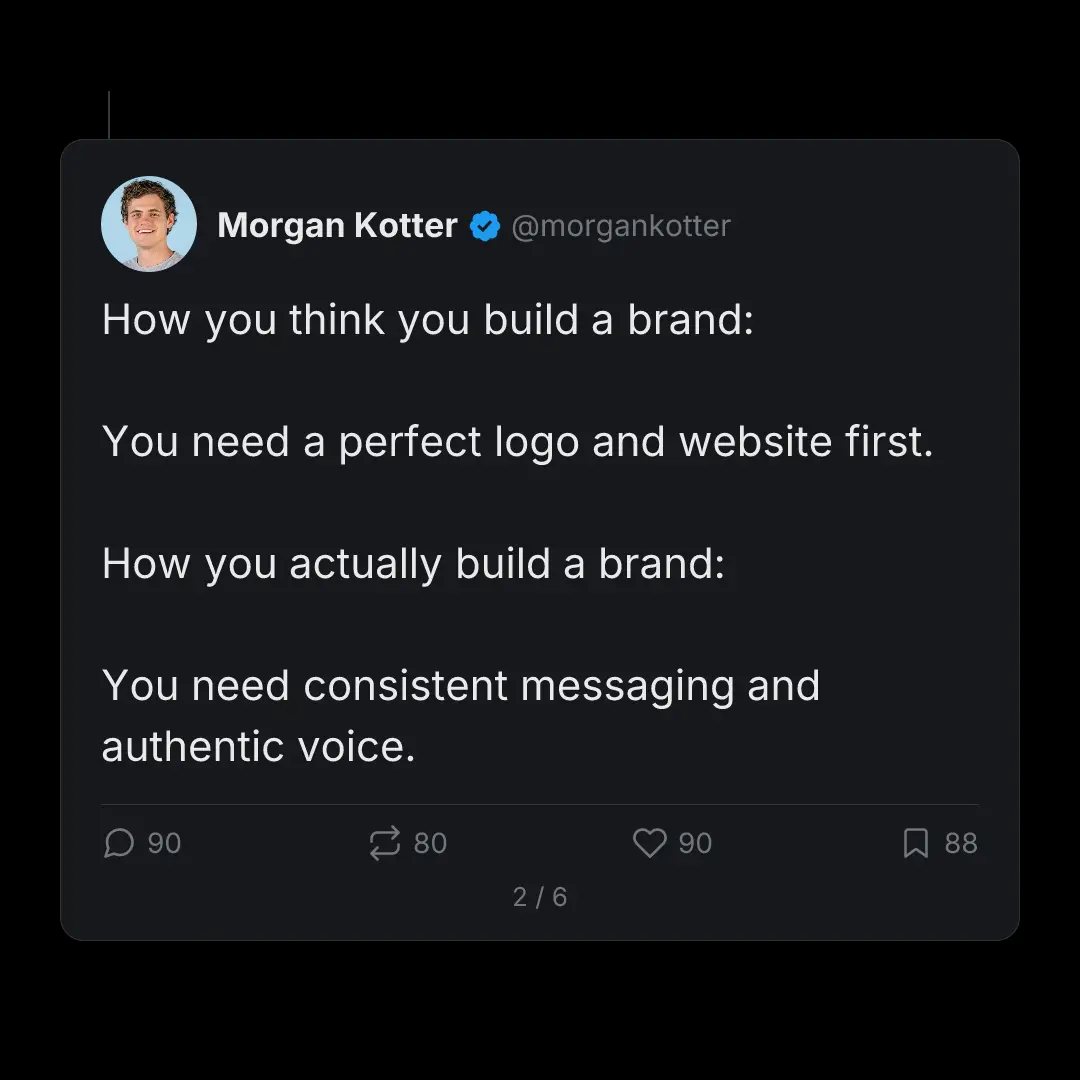
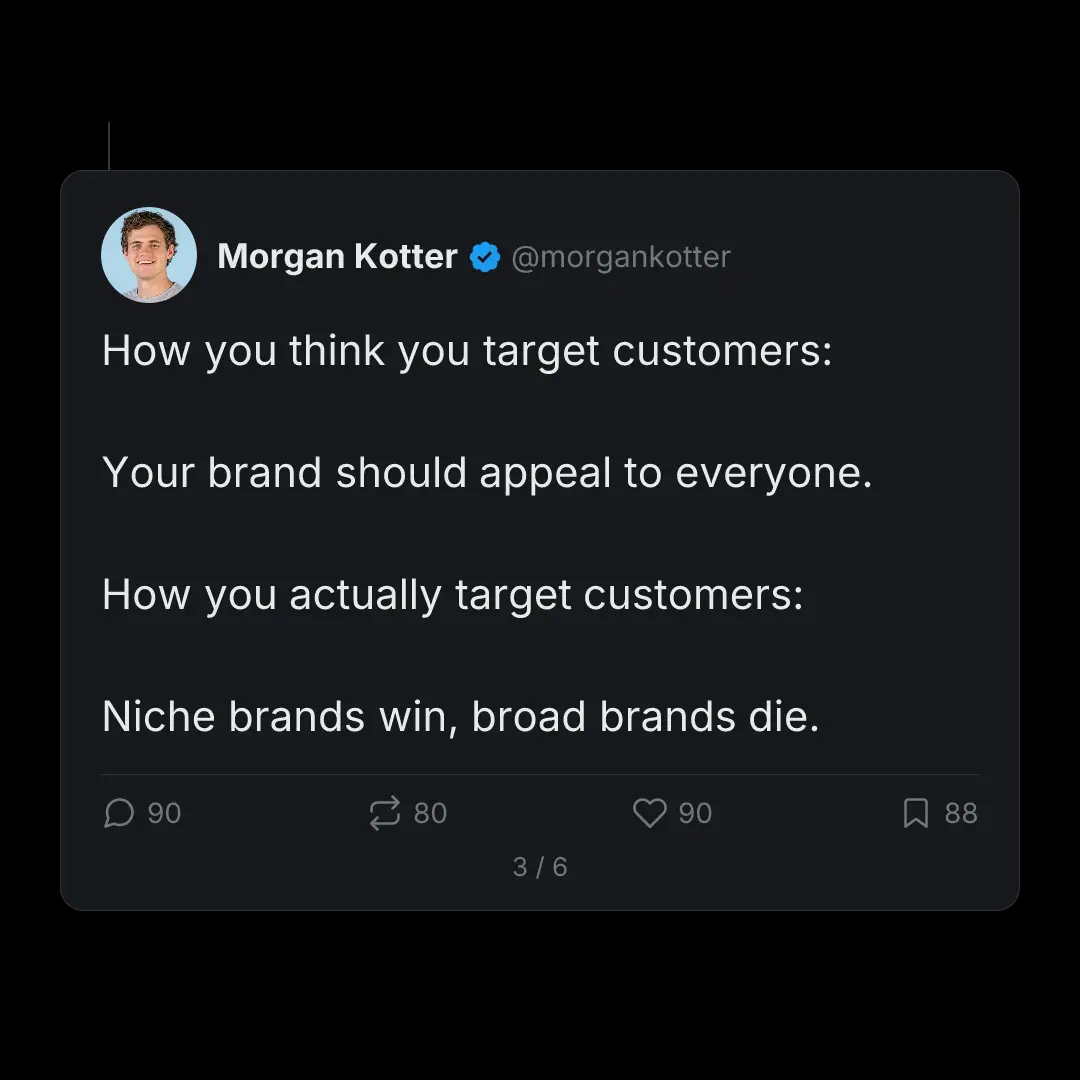
Watch It Run
LinkedIn carousel, start to export
A narrated run through the product, cut to 48 seconds. It closes on a mockup of the finished post.
Read the transcript
How It Works
Create LinkedIn Carousels in 3 Steps
No design skills needed. No templates to hunt through.
Tell SwipeThread your topic
AI researches and writes your slides
Export and post to LinkedIn
Features
Why SwipeThread?
Everything you need to create LinkedIn carousels that perform.
Research-Grounded Content
Not just AI hallucination. SwipeThread researches your topic with real sources so every slide is backed by facts.
Typeset In Your Brand
Four looks to draw the deck in, each one taking its colours and fonts from your brand kit. No stock photos, no canvas to arrange.
11 Copywriting Frameworks
PAS, Hormozi, Tips, Listicles, and 7 more. Choose a proven structure or let AI pick the best one for your topic.
Brand System
Set your colors, fonts, and tone once. Every carousel matches your brand identity automatically.
LinkedIn Tips
How to Create High-Performing LinkedIn Carousels
Most LinkedIn carousel creators hand you a template to fill in. SwipeThread researches the topic, writes every slide, and exports the PDF LinkedIn wants
Best Practices
- Hook in first 3 lines visible above the fold: your first slide is your headline
- 8-12 slides is the optimal length for LinkedIn carousels
- End with a CTA or open-ended question to drive comments
- Avoid walls of text per slide: one idea per slide
- Use consistent brand colors and fonts across all slides
- Include a title slide, content slides, and a CTA slide
Posting Tips
- Post Tuesday through Thursday, 8-10am local time for peak reach
- Add alt text for accessibility (LinkedIn rewards inclusive content)
- Post natively as a PDF upload, not as an external link
- Use 3-5 relevant hashtags maximum
- Write a compelling caption that adds context beyond the slides
3.7x
LinkedIn carousels generate up to 3.7x more engagement than text-only posts
LinkedIn Carousel Dimensions
Width
1080px
Height
1080px
Ratio
1:1
Export
FAQ
Frequently Asked Questions
Everything you need to know about creating LinkedIn carousels with SwipeThread.
Is SwipeThread free?
Yes. You get 3 carousels a day free, with no credit card, and the allowance resets every morning.
What dimensions does SwipeThread use for LinkedIn carousels?
LinkedIn carousels are exported as 1080x1080 px (1:1 square) multi-page PDFs, which is the native format for LinkedIn document posts.
Can I turn an X thread into a LinkedIn carousel?
That is the most common way people use SwipeThread. Paste the thread, and each post becomes a slide styled to look like the original tweet, exported as the PDF LinkedIn wants. The research and the hook carry over, so you are not rewriting the thread from scratch for a second audience.
Do I need LinkedIn Premium to post a carousel?
No. Document posts are available on any personal profile and any company page without a paid LinkedIn plan. You upload a PDF and LinkedIn renders it as a swipeable deck in the feed.
Will the slides match my company's brand?
Set a brand guide once with your colors, fonts, tone of voice, and any words you never want used, and every carousel after that comes out on brand. It matters more here than elsewhere, because a LinkedIn document post carries your name and your company page next to it.
How do I upload a carousel to LinkedIn?
SwipeThread exports your carousel as a PDF. On LinkedIn, click 'Start a post', then click the document icon to upload the PDF. LinkedIn will display it as a swipeable carousel.
Also Available For
One carousel, every platform. SwipeThread adapts dimensions and formatting automatically.
Already Have the Words?
Start from a thread, an article, or a PDF and get LinkedIn slides out the other end.
Create Your First LinkedIn Carousel
3 carousels a day, free. No credit card required.